
5 Dec 2025
Post by Dakota
Introduction
Opening your Samsung TV remote BN59 can seem challenging at first, but with the right approach and a bit of patience, it becomes a straightforward task. Whether your goal is to replace worn-out batteries or troubleshoot connectivity issues, knowing the disassembly process is essential. Our guide will lead you through each step, ensuring a safe and smooth procedure.
As devices we rely on daily, remote controls like the Samsung BN59 require periodic maintenance to ensure they function correctly. Let’s delve into the specifics of this remote model and understand the best practices for handling it safely.
Understanding the Samsung TV Remote BN59
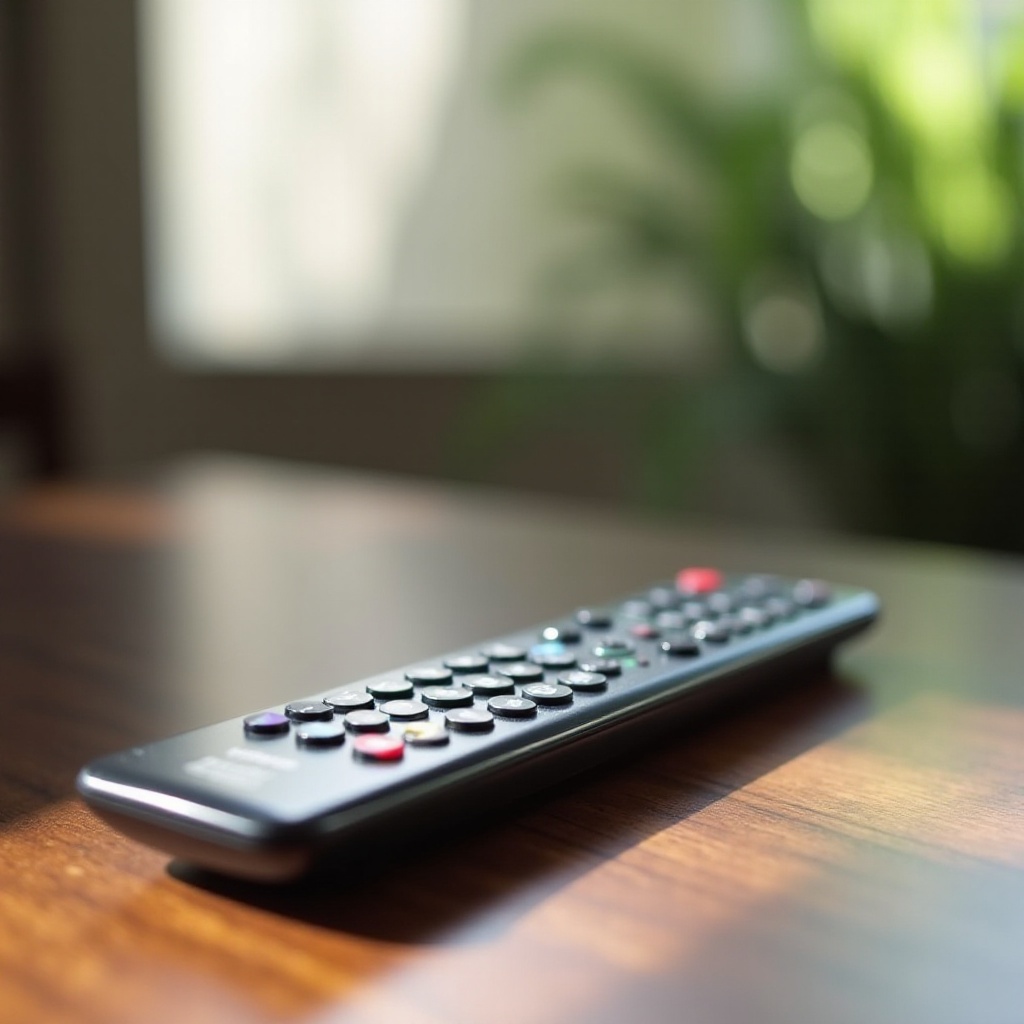
The Samsung TV remote BN59 is renowned for its reliability and user-friendly design. Compatible with various Samsung TVs, this remote sees frequent use, which can lead to wear over time. Recognizing the structure and features of your remote is the first step in effective maintenance and troubleshooting.
With this knowledge, transitioning to the next stage of opening the remote becomes more manageable, ensuring you proceed with confidence.
Safety Precautions Before Starting
Before embarking on dismantling your Samsung TV remote BN59, it’s crucial to observe safety precautions to protect both you and the device.
- Tools Required: Ensure you have a small Phillips screwdriver and a flathead screwdriver; these are vital for disassembling your remote.
- Important Safety Tips:
- Disconnect the remote from the TV to avoid accidental operation.
- Remove batteries to eliminate power during disassembly.
- Conduct all work in a bright, clean environment to avoid losing small parts.
- Handle components delicately to prevent breakage.
With safety measures in place and tools at hand, you’re ready to begin the detailed process of opening your remote.
Step-by-Step Guide to Opening the Samsung TV Remote BN59
Careful handling is key when opening your Samsung TV remote. Follow these steps to access the internal components safely:
- Step 1: Removing the Battery Cover
-
Locate the battery cover at the back of the remote and gently slide it open or press the tab, depending on its design.
-
Step 2: Unscrewing the Fasteners
-
Use the Phillips screwdriver to remove the screws securing the remote’s halves together. Keep these screws safe for reassembly.
-
Step 3: Separating the Remote Shell
-
Insert the flathead screwdriver into the groove between the top and bottom parts of the remote, gently prying them apart. Work gradually around the remote.
-
Step 4: Accessing Internal Components
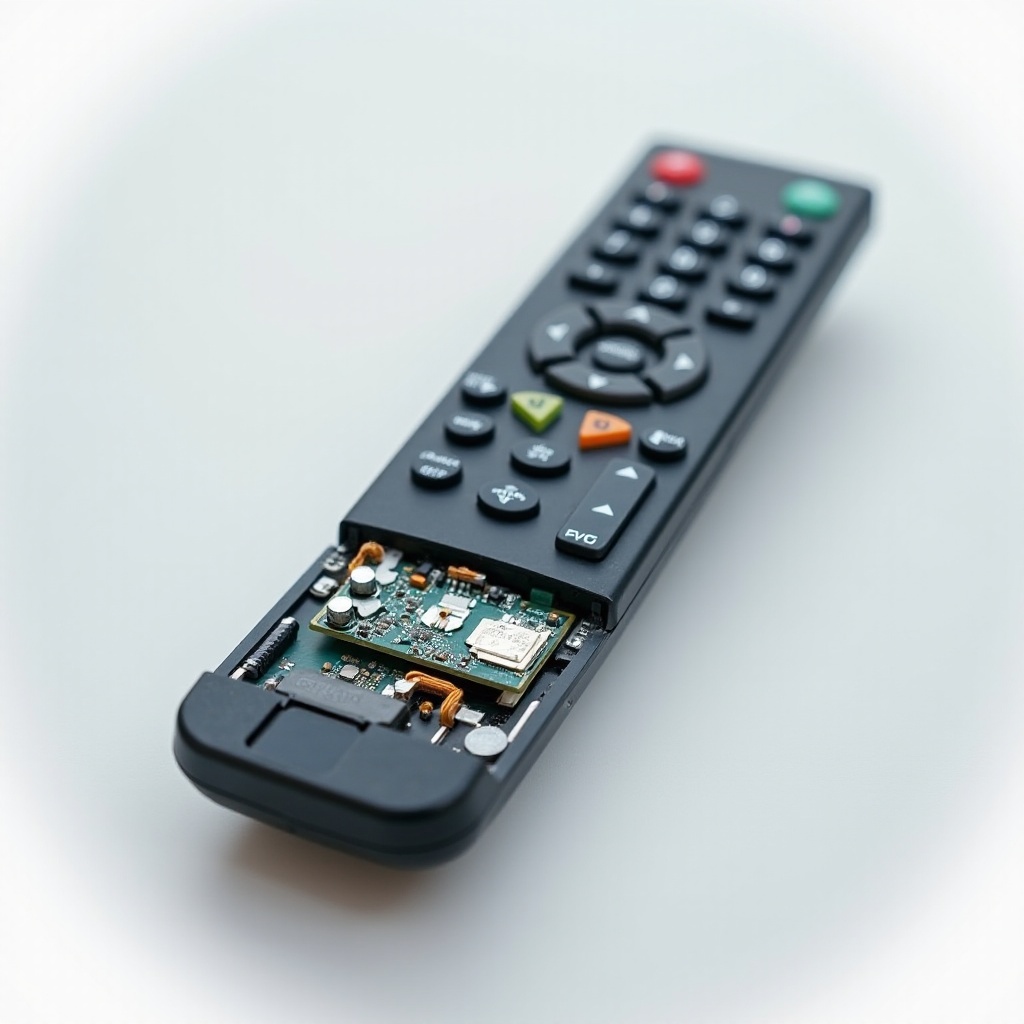
- Once the shell is open, internal components are accessible for maintenance or repair. Handle these parts with care to avoid damage.
Successfully opening your remote allows you to perform essential maintenance or troubleshoot issues directly.
Common Issues and Troubleshooting Tips
Regular maintenance can prevent common remote issues. Here’s how to address some standard problems:
- Replacing Batteries:
-
Assess the batteries for leakage or depletion and replace them as needed, ensuring the correct orientation.
-
Cleaning the Internal Components:
-
Dust inside the remote can impede function. Use a soft brush or compressed air for cleaning.
-
Fixing Button Malfunctions:
- Check for dirt under buttons. Clean or replace malfunctioning components for better responsiveness.
Addressing these issues can significantly enhance your remote’s performance.
Reassembling the Remote Control
Reassembly is as crucial as disassembly. Follow these steps to ensure your remote is ready to use:
- Ensuring Proper Fit:
-
Align the top and bottom halves correctly, pressing firmly to ensure they snap together seamlessly.
-
Testing the Remote Functions:
- With the batteries replaced, test each button to ensure full functionality and responsiveness.
Proper reassembly restores your remote to optimal condition, ready for regular use.
Conclusion
Opening and maintaining your Samsung TV remote BN59 is simpler with the right techniques. This guide equips you with the knowledge to perform small repairs and routine maintenance, extending your remote’s longevity. Handle each part with care, and adhere to safety precautions to prevent mishaps. With minimal effort, your remote will remain a reliable companion for seamless TV viewing.
Frequently Asked Questions
What should I do if the remote doesn’t work after reassembly?
Double-check the battery placement and ensure all components fit correctly. Also, confirm that screws are tightened.
Can I use other tools to open the remote if I don’t have a screwdriver?
While alternatives like small coins might help remove the battery cover, a proper screwdriver is essential for unscrewing and preventing damage.
How often should I clean the internal components of my remote?
Cleaning every six months is ideal, or more often if you notice the remote is less responsive, to ensure consistent performance.
0 Comments