
9 Jan 2026
Post by Dakota
Introduction
Replacing the motherboard in your HP computer is essential when you face persistent hardware issues or wish to upgrade your system’s performance. Serving as the primary hub, the motherboard connects all critical components, facilitating seamless communication. Whether you’re upgrading or repairing, a successful replacement can extend the life of your computer and enhance its capabilities.
Understanding the Motherboard in an HP Computer
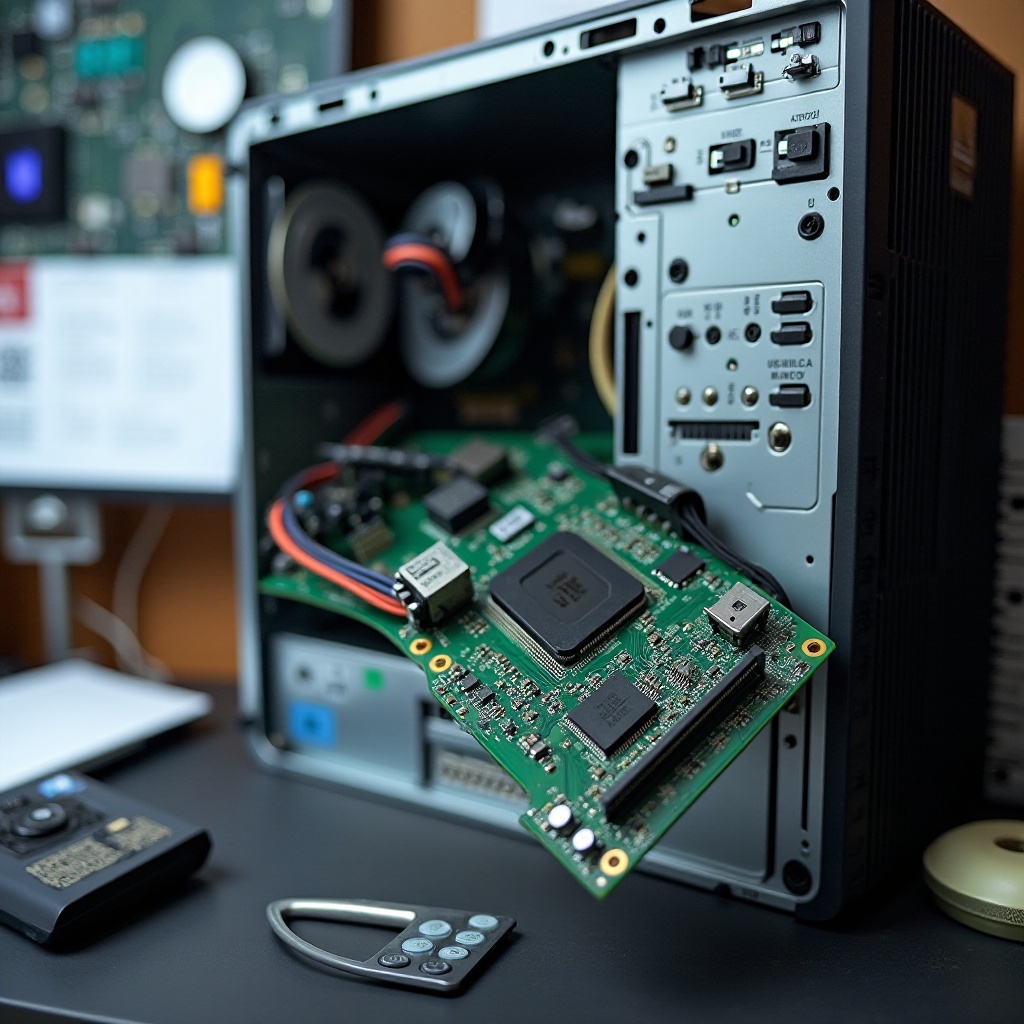
The motherboard is the central component of your HP computer, linking together the CPU, RAM, storage, and peripherals. Recognizing the role and signs of a failing motherboard can prevent further issues and keep your computer running smoothly.
Role and Functionality
The motherboard orchestrates how data flows between your computer’s components, greatly influencing performance and efficiency. Appreciating its role helps demystify the replacement process.
Common Issues Signaling Replacement
Signs of motherboard failure include frequent crashes, unexplained reboots, and peripherals not responding. Addressing these issues promptly can save you from more extensive repairs.
Preparing for Motherboard Replacement
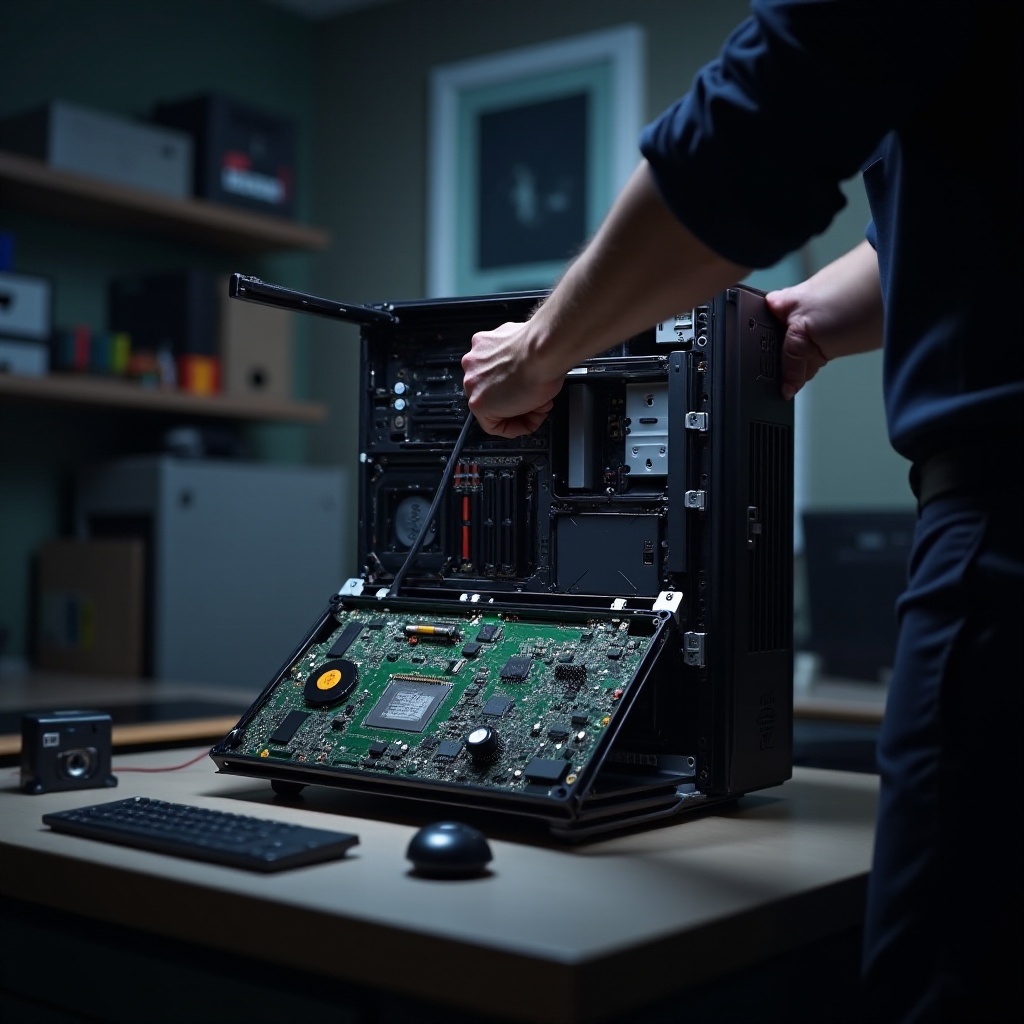
Before you dive into the replacement process, preparing both your tools and workspace is crucial. Adequate preparation ensures safety and efficiency during the process.
Tools and Materials Needed
Prepare the following tools: screwdriver set, anti-static wrist strap, compatible motherboard, and thermal paste. These tools will aid in smoothly transitioning to the new motherboard.
Safety Precautions and Preparations
Set up a clean, well-lit workspace free from clutter. Wear an anti-static wrist strap to protect components from electrostatic discharge, and ensure your computer is fully powered down and unplugged before starting.
Step-by-Step Guide to Replacing an HP Motherboard
Embarking on the motherboard replacement journey involves careful dismantling and reassembling. Follow this structured guide to ensure a successful job.
Removing the Old Motherboard
- Open your computer case by unscrewing and removing the side panel.
- Take clear pictures of the current setup for later reference.
- Disconnect all power and data cables attached to the motherboard.
- Carefully unscrew and remove the old motherboard, setting it aside safely.
Installing the New Motherboard
- Align the new motherboard with the case’s standoff screws.
- Secure it by tightening each screw evenly.
- Referencing your photographs, reconnect components like RAM and the CPU.
Reconnecting Components and Cables
- Reattach power supply cables to the new motherboard.
- Connect data cables to your storage devices and peripherals.
- Reinstall any peripheral components, ensuring secure connections.
Testing and Troubleshooting After Replacement
Post-installation testing confirms that everything functions as expected. Address any issues promptly to avoid disruptions.
Initial Testing Procedures
Upon powering up, listen for unusual noises and ensure the system boots correctly. Verify that all peripherals are operational.
Addressing Common Problems
If problems occur, reseat RAM sticks, verify cable connections, and consult the motherboard’s manual for specific troubleshooting advice.
Cost and Considerations for HP Motherboard Replacement
Understanding the costs and considerations involved in motherboard replacement helps you balance DIY approaches against professional services.
Comparing DIY and Professional Services
DIY replacements can be cost-effective but demand technical know-how. Professionals offer convenience and expertise at a higher price.
Compatibility and Performance Optimization
Ensure your new motherboard is compatible with existing components to optimize performance and avoid additional costs.
Conclusion
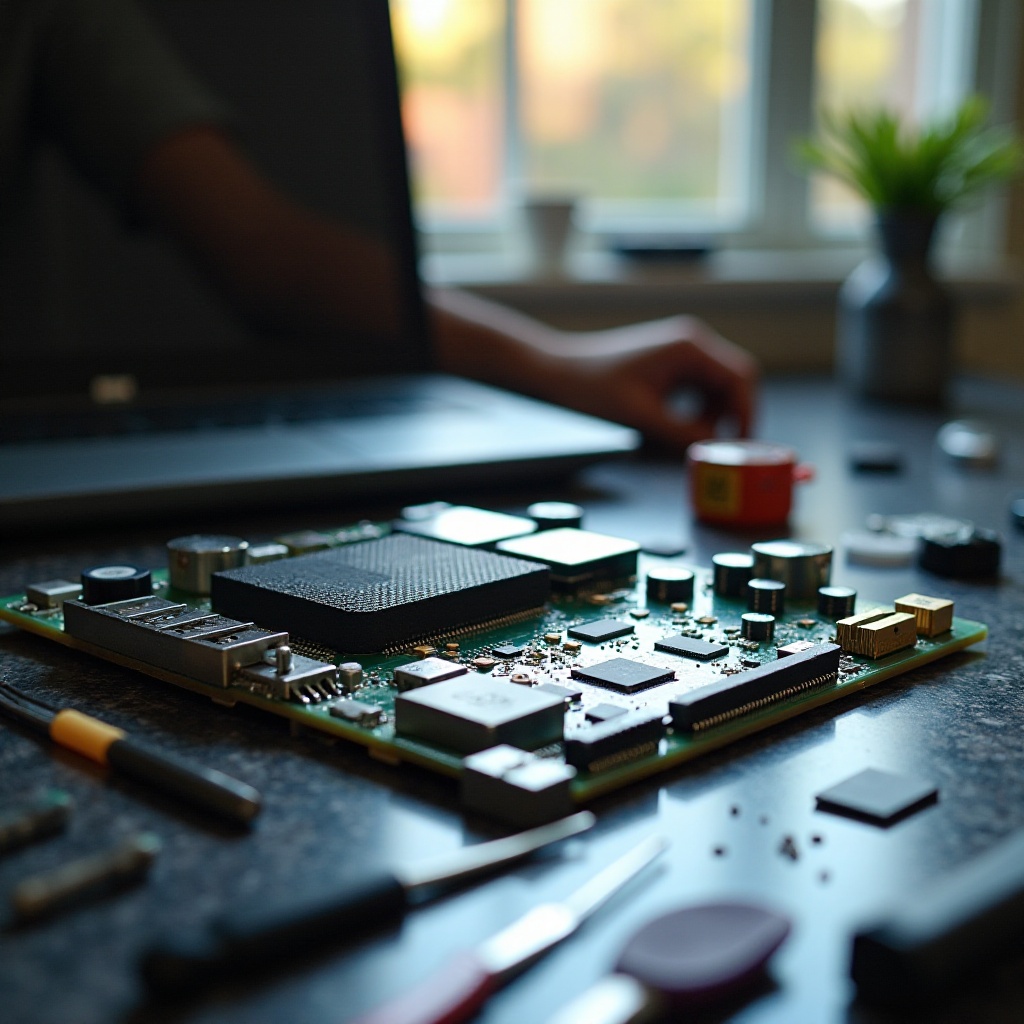
A successful HP motherboard replacement can revitalize an aging computer or resolve persistent issues. By carefully preparing and following the steps, you empower yourself to maintain and upgrade your HP computer effectively.
Frequently Asked Questions
What are the signs of a failing motherboard in an HP computer?
Frequent system crashes, unresponsive peripherals, and slow boot times are common indicators.
How long does it take to replace a motherboard?
The replacement process generally takes between one to three hours, depending on your experience.
Can I upgrade my motherboard to a different model?
Yes, but you must ensure compatibility with your current CPU and components to avoid further upgrades.

0 Comments