
13 Mar 2026
Post by Dakota
Introduction
Sound issues in a gaming console like the Wii can severely affect your gameplay experience. Whether it’s no sound at all or intermittent issues, resolving these problems is essential for uninterrupted enjoyment. This comprehensive guide aims to offer simple yet effective solutions to diagnose and fix audio problems on your Wii, getting you back into action swiftly.
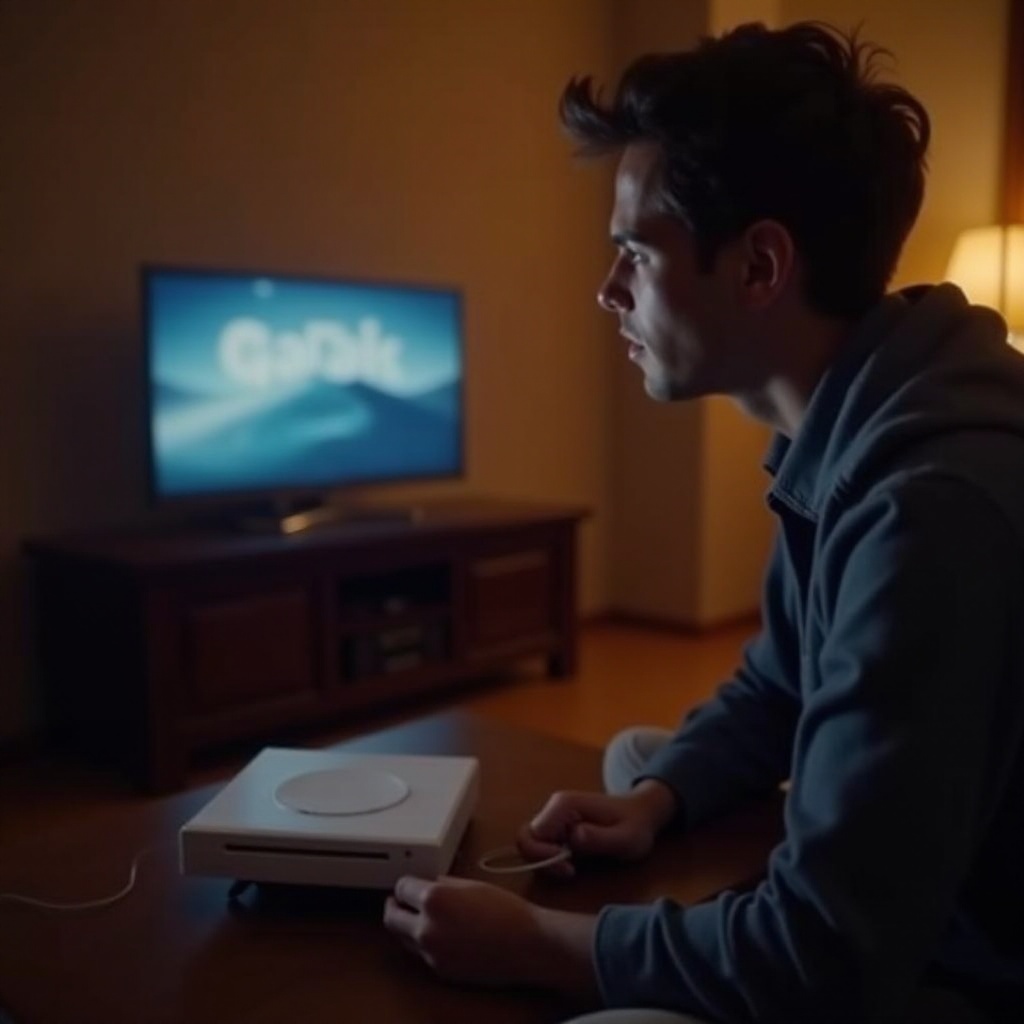
Common Causes of Sound Issues on Wii
Before diving into troubleshooting, it’s helpful to know what could cause sound issues. Often, these arise from minor misconfigurations or easily fixable hardware problems.
- Faulty Audio Settings: Sound issues may stem from incorrect audio settings within the Wii menu.
- Connection Problems: Loose or damaged cables often disrupt sound output.
- Hardware Malfunctions: Physical defects in ports or internal hardware failures.
Understanding these common causes can help direct the troubleshooting process, leading to quicker solutions. Let’s now explore the initial steps in resolving these sound problems.
Initial Troubleshooting Steps
Simple problems often have simple solutions. Before delving into settings, try these basic troubleshooting steps:
- Verify Physical Connections: Double-check that all cables are securely connected between your Wii, TV, and any attached audio equipment. Testing with alternative cables can identify faulty wiring.
- Test on Different Devices: Connect your Wii to another TV or sound system. If the sound returns, the original setup may have issues.
- Restart the Console: Turn off the Wii, wait a few minutes, and then restart to reset any temporary glitches.
If these efforts prove unsuccessful, inaccurate settings might be the cause, which we address in the next section.
Adjusting Wii Sound Settings
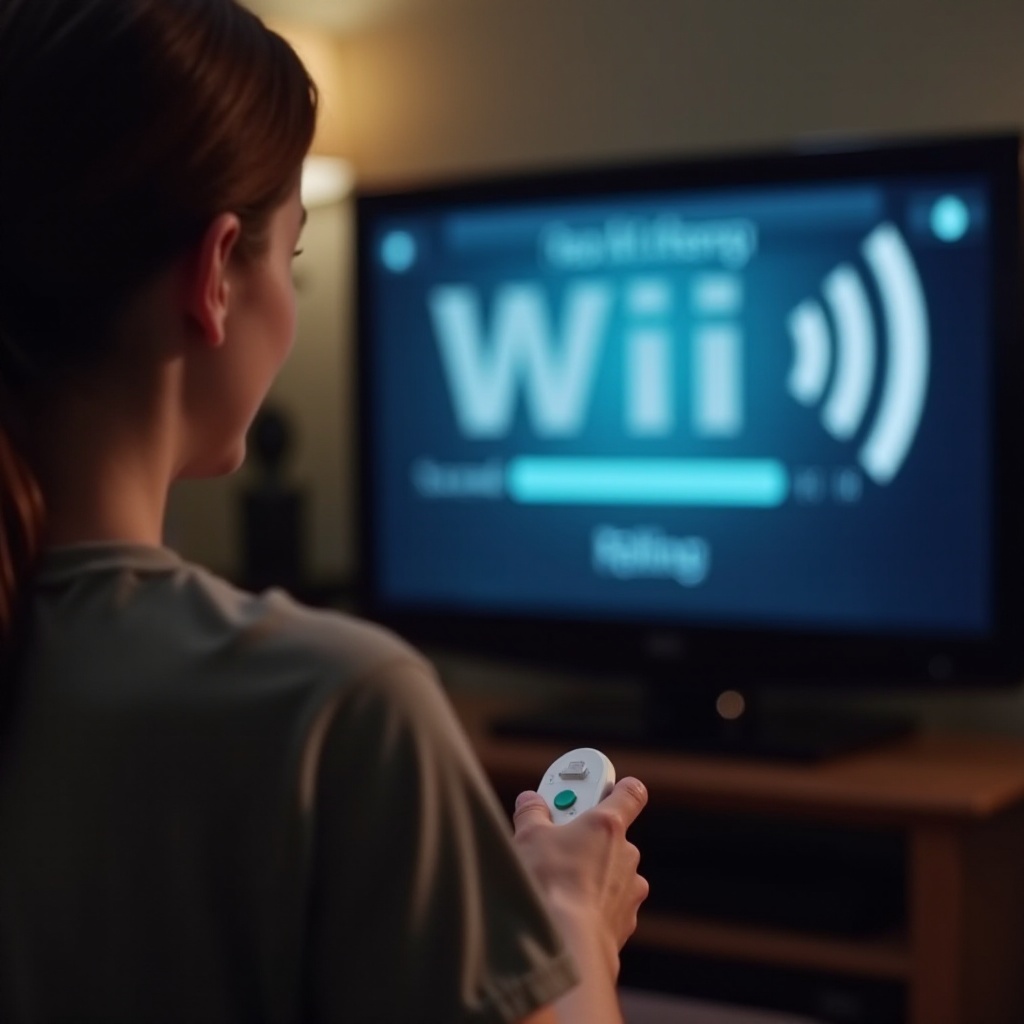
Proper audio configuration is vital. Wrong settings can lead to complete sound loss. Follow these steps to review and adjust:
- Access the Wii Menu: Go to ‘Wii Settings’ from the main menu.
- Edit Audio Settings: Verify the audio mode is correctly set to Mono or Stereo based on your output.
- Test the Changes: Make adjustments and ensure they fix the audio issue.
After ensuring settings are correct, other physical factors might require closer examination. Let’s move to checking the hardware.
Inspecting Hardware and Connections
Next, delve into a more thorough inspection of hardware and connections:
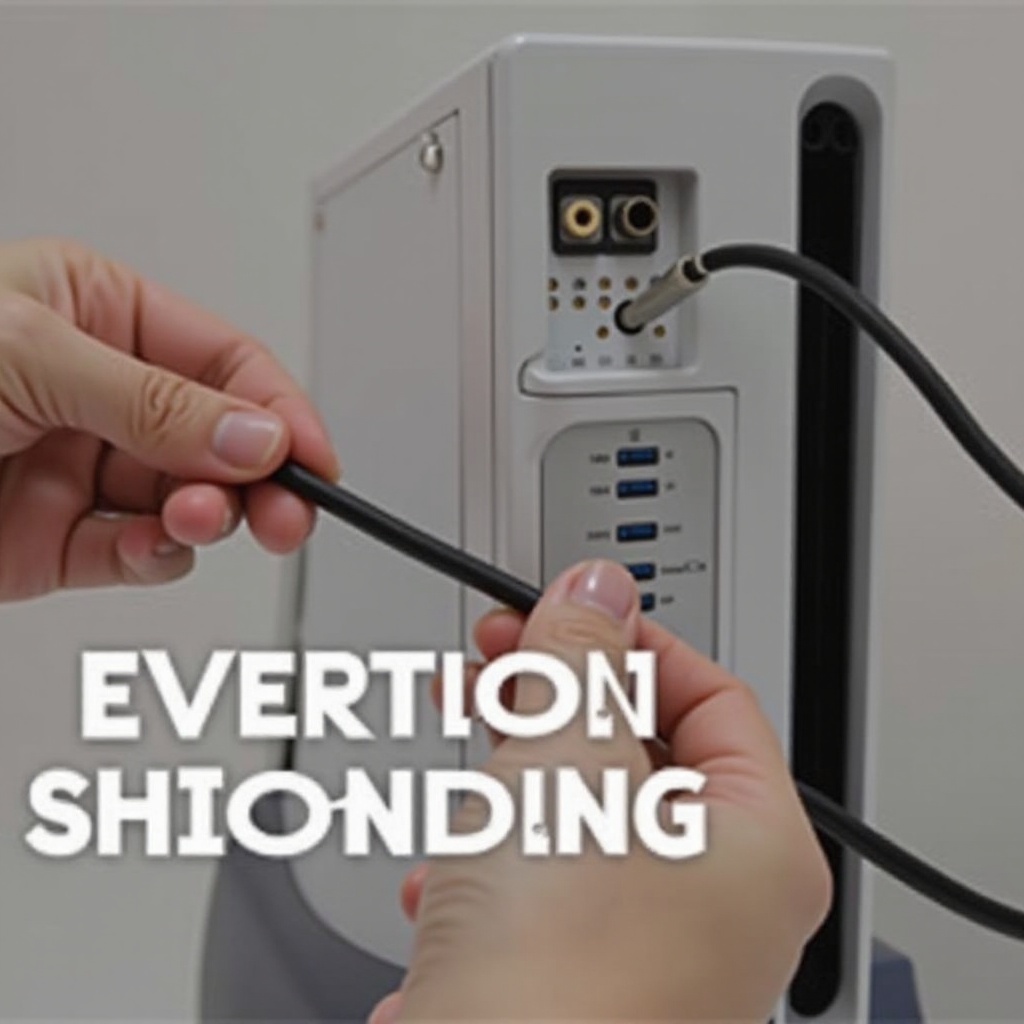
- Check and Replace Cables: Inspect each cable for damage or wear and replace them if necessary. Damaged cords can significantly affect audio output.
- Evaluate Port Conditions: Examine both the console’s and TV’s ports for damage or blockages. Gently clean dust or debris that might obstruct connections.
Securing these hardware aspects is often enough for sound restoration. If not, more technical methods might be necessary.
Advanced Troubleshooting Techniques
If simpler solutions haven’t worked, deeper technical maneuvers might bear fruit:
- Reset Transmission Strength: Enter Wi-Fi settings, ensuring your console isn’t facing interference that affects audio performance.
- Update System Firmware: Visit the system settings to check and install available updates. These updates might fix bugs causing sound issues.
These steps resolve common software glitches. Persistent problems, however, might require professional help.
When to Seek Professional Help
Recognizing when professional repair is needed can save both time and effort:
- Recognize Hardware Failures: If all else fails, there could be hardware issues requiring professional inspection.
- Locate Repair Services: Visit Nintendo’s website to find authorized repair centers that ensure quality repairs.
Seeking expert help can effectively resolve complex hardware issues and prolong your console’s life.
Conclusion
Sound issues on the Wii can be frustrating, yet most problems are easily resolvable by following these steps. Regular system updates and careful hardware maintenance can prevent many issues, ensuring an immersive gaming experience.
Frequently Asked Questions
Why is there no sound on my Wii even after checking settings?
Several reasons could persist, including faulty cables or unresolved internal hardware issues beyond basic settings.
Can a faulty cable cause sound issues on my Wii?
Yes, damaged or loose cables can disrupt audio. Replacing them often resolves sound problems.
How often should I update my Wii console to avoid sound problems?
Regular updates, as prompted by the console, can correct software-related sound issues and improve system stability.
0 Comments