
31 Jul 2026
Post by Dakota
Introduction
iPhone Reachability is a solution designed to make one-handed use on larger iPhone models convenient. With the increasing size of iPhones, reaching the top of the screen can be challenging. Reachability addresses this by shifting the screen’s layout downwards for easy access. Whether you are multitasking or handling another item, Reachability ensures you stay efficient and comfortable.
Understanding iPhone Reachability
Reachability aims to enhance user interaction by allowing easy access to the top of the screen, especially on bigger devices. When activated, it lowers the screen content, making it accessible with your thumb without adjusting your grip. This innovation is crucial for those consistently on the move or otherwise occupied, ensuring seamless functionality across various scenarios.
How to Enable Reachability on Your iPhone
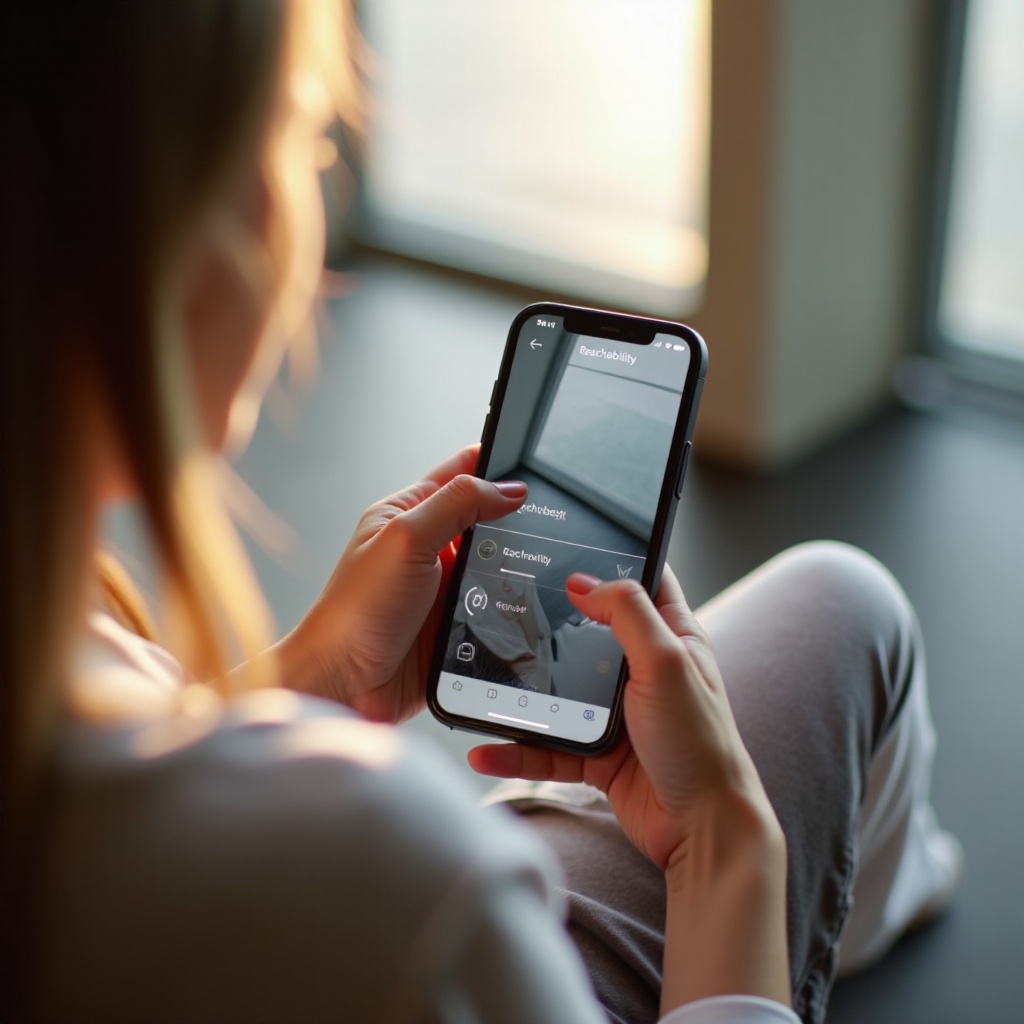
Activating Reachability is simple, though it varies by model. Here is how you can enable it on different iPhone versions:
- iPhone X and Later:
- Open ‘Settings’.
- Select ‘Accessibility’.
- Tap on ‘Touch’.
- Toggle on ‘Reachability’.
-
Swipe down on the bottom of your screen to use.
-
iPhone 8 and Earlier:
- Navigate to ‘Settings’.
- Click on ‘Accessibility’.
- Choose ‘Touch’.
- Enable ‘Reachability’.
- Lightly double-tap the Home button to activate.
Understanding these steps ensures you can effectively use Reachability, enhancing your interaction with your iPhone seamlessly across different models.
Practical Applications of Reachability
Reachability isn’t just a comfort feature; it’s a powerful tool in diverse contexts. Whether holding a coffee, commuting, or multitasking, Reachability simplifies phone navigation. This usability enhancement extends beyond convenience, supporting productivity and ease of access, turning everyday interactions into fluid experiences.
Benefits and Limitations of Reachability
Reachability offers significant usability improvements, boosting efficiency for users across age groups. However, it may come with a learning curve or be inconsistently integrated into some apps. Despite this, it’s generally a preferred feature for those who benefit from streamlined phone operations. While there are some limitations, its advantages in enhancing device interaction are vast.
Troubleshooting Common Reachability Issues
Despite its intuitive design, Reachability can occasionally act up. Here’s how to troubleshoot common issues:
- Screen won’t lower: Confirm it’s enabled in settings or restart your device if needed.
- Inconsistent gestures: Software updates might cause this, so ensure your OS is up to date or reset settings.
- Gesture fails: You might be swiping incorrectly; adjust your swipe length and speed for better results.
Addressing these potential hiccups aids in maintaining a seamless experience, ensuring you benefit from Reachability without interruption.
Alternatives and Enhancements to Reachability
In addition to Reachability, iPhones offer features like AssistiveTouch for greater accessibility flexibility. Users anticipate further enhancements post-2024, including improved gesture recognition and deeper app integration to uphold Apple’s high standard of mobile usability.
Conclusion
Reachability revolutionizes the way users interact with their iPhones, blending functionality and convenience. As a testament to Apple’s dedication to user-centric design, it remains an essential feature that adapts to various user needs, enhancing overall device usability.
Frequently Asked Questions
How does Reachability affect battery life on the iPhone?
Reachability, being a screen layout adjustment, has negligible impact on battery life.
Can Reachability be customized on individual apps?
Reachability is a universal feature across the OS, affecting all apps equally without customization per app.
Is Reachability available on all iPhone models post-2024?
Reachability is standard on most newer iPhone models post-2024, as Apple strives for widespread availability.
0 Comments